Room Guide
How to Choose a Gaming Desk?
Choosing a gaming desk starts with seeing how your setup will actually fit on the desk. The number of monitors gives you an initial idea, but monitor stands and mouse movement space affect how much surface you need. Your computer tower, speakers and other everyday accessories are part of the layout too. And just because the desk fits in the room does not mean it will be comfortable to use with a chair. The right size is one that gives both your equipment and you enough space.
Technical measurements such as the desk top height and the total height including a shelf or panel provide different information. One relates to your seated position, while the other concerns the space the product occupies in the room. Weight capacity and monitor arm compatibility also cannot be addressed under the same heading. Making these distinctions upfront makes it easier to understand why a setup you like in a photo may not suit your own equipment. That is why you should consider the room layout, equipment measurements and product information together when making your choice.
List Your Equipment Before Choosing a Gaming Desk
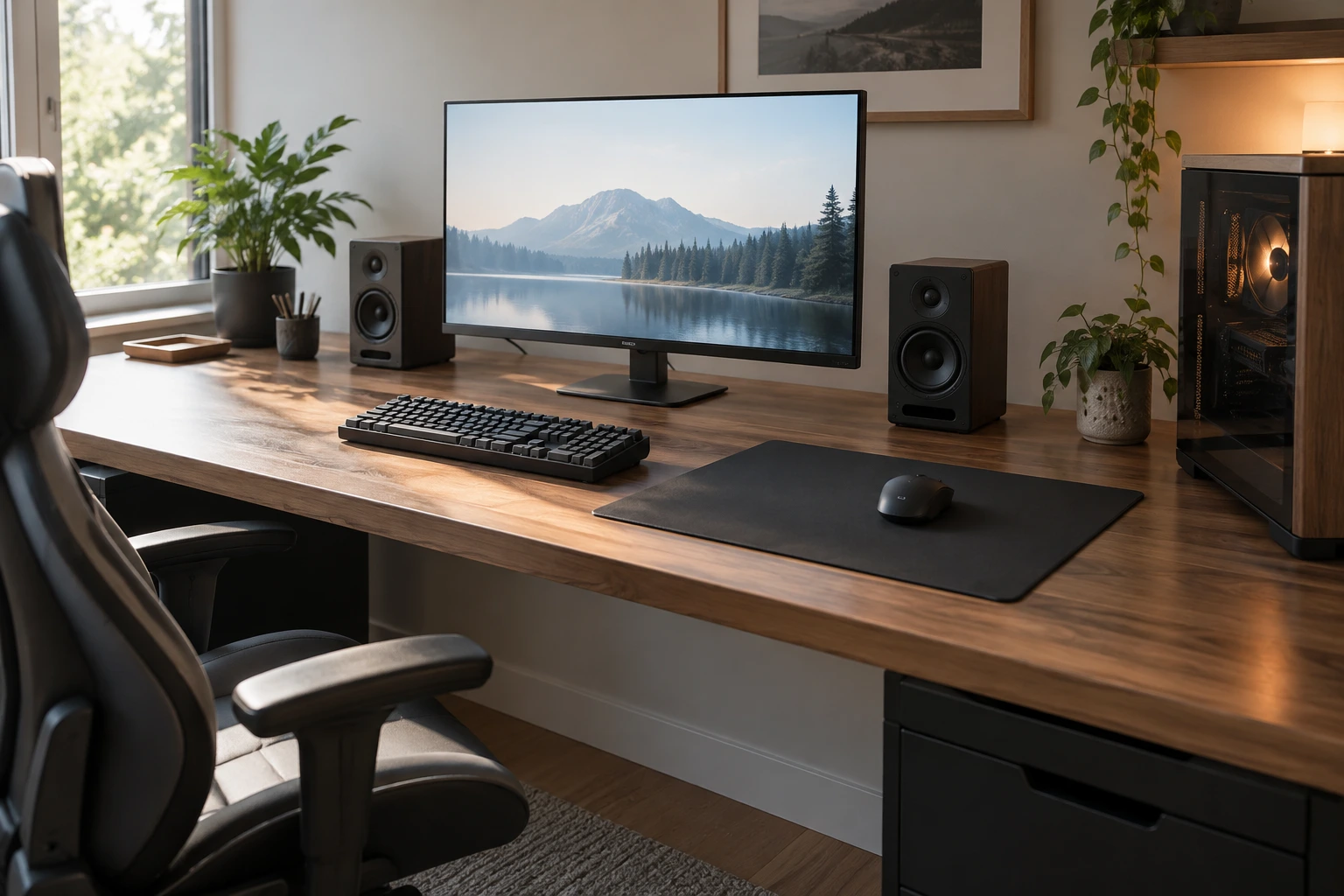
Starting your desk search by noting only the number of monitors may leave out important details. Each screen stand takes up a different amount of space. A large monitor with a narrow base may use less room than a smaller screen with a wide stand. So, in addition to the screen’s diagonal measurement, find out its actual width and stand depth. Decide where your keyboard, mouse pad, speakers and microphone will go. If you plan to place a desktop computer tower on the surface, include its footprint and ventilation openings in your plan as well.
For a laptop setup, consider an external screen, charger and connection ports. Cable lengths may limit the final layout. You can also note any equipment you plan to add in the near future. However, there is no need to use up all the room’s movement space for a possible expansion you are unsure about. Prioritise the setup you actually use today. You can also consider whether a smaller rearrangement could accommodate an item you plan to add later.
How to Determine Gaming Desk Measurements
Width, depth and height answer different questions. Width affects how your equipment fits side by side. Depth determines the arrangement between the screen and the user, as well as the space in front of the keyboard. Height should be considered alongside the chair and the user’s measurements. General rules such as “this size is enough for one monitor” can offer a starting point, but they are not definitive selection criteria.
A gamer who uses broad mouse movements has different needs from someone working in a smaller area. If you will also use the same desk for studying or work, make sure there is room for an open notebook and documents. Check how much free space remains once your equipment is in place. Mark which item each measurement refers to on the product drawing. This way, you won’t compare different measurement points between two models as if they were the same.
Try Out the Layout on Paper
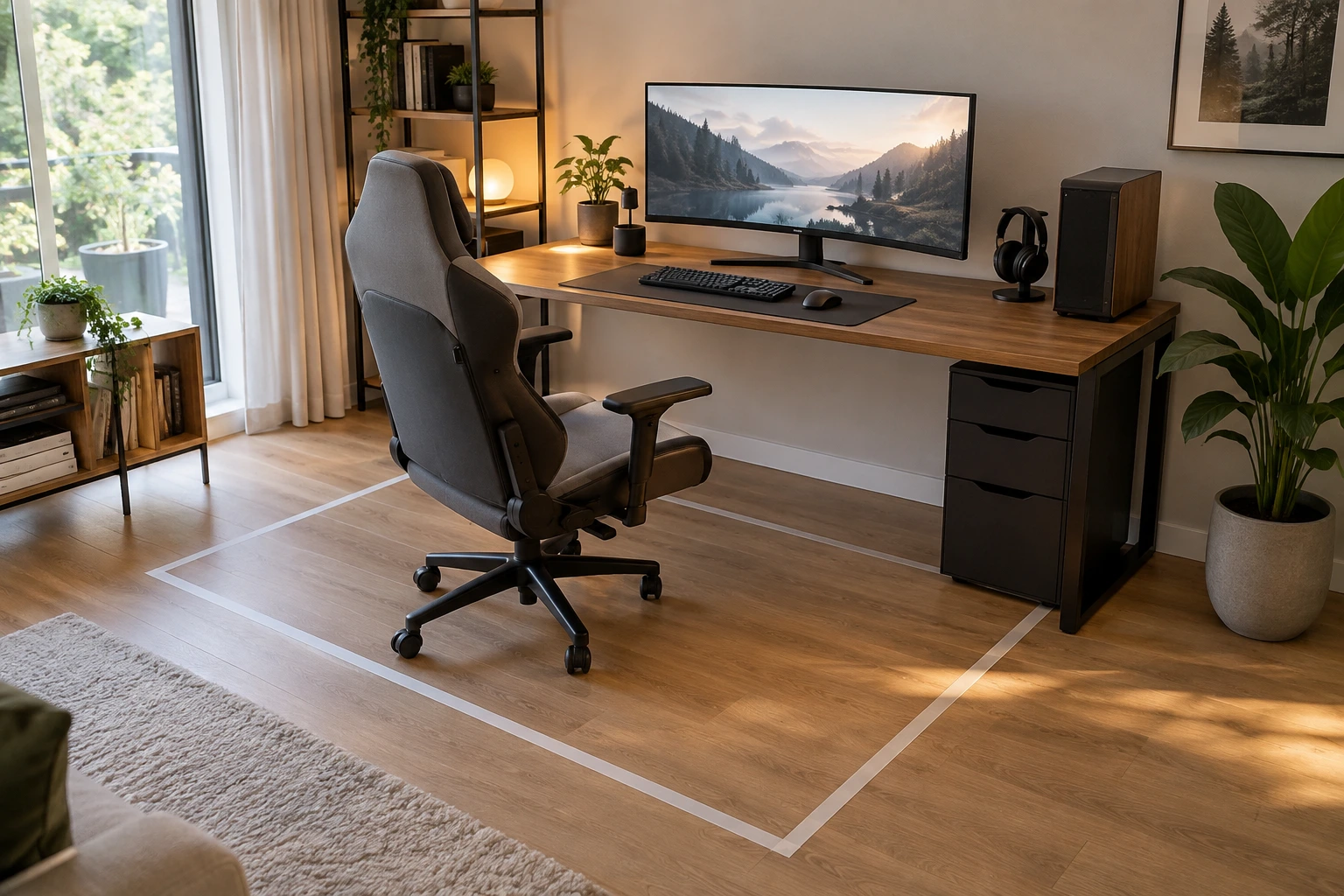
You can mark out the planned desk footprint on the floor using removable tape or paper. Bring the chair in front of it and try sitting down and getting up. Check that wardrobe doors can open, the route to the door is clear and you can access the window. The product fitting in the room does not necessarily mean the room will be comfortable to use. It is also helpful to sketch approximate equipment footprints on the desktop.
Leave room for cables and connectors behind the monitor. If there is a raised module at the back, find out whether it will restrict screen movement. This test may show that you cannot recreate the layout in the product photo exactly with your own equipment. Don’t try it only with the desk empty. Check the setup again while seated, using items that represent the equipment you use regularly.
Weight Capacity and Monitor Arm Compatibility
When calculating the total load on the desk, don’t count only the computer tower. Monitors, stands, speakers and other equipment are included too. Check which part of the product and what type of loading the manufacturer’s stated maximum applies to. The capacity of a drawer cannot be used interchangeably with that of the desktop. Also, a total weight capacity does not automatically mean that a monitor arm clamped at any point will be suitable. The local force created by the clamp and the mounting location need to be assessed separately. If you plan to use a monitor arm, check the desktop thickness, access to the rear edge and any support pieces underneath. An upper module or cable tray may get in the way of the clamp. Check the screen and arm connection standard in their respective technical documents too. A general description such as “universal” does not prove that every screen will be compatible in every setup.
Plan Cable Management from the Start
Tucking cables away just to hide them can create problems during use. Cables should not become taut when the screen moves, connections should be easy to reach, and cables should not get caught in the chair’s wheels. Keep the area around adapters uncovered and ensure equipment ventilation openings remain clear. If a cable is too short, choose a suitable solution rather than forcing the desk into position. The number of sockets and the connection of electrical accessories should comply with the products’ own instructions. Do not install damaged cables or makeshift extensions.
In everyday use, good cable management means being able to reach your equipment easily. Headphone hooks, pegboards or small shelves can keep frequently used items organised without cluttering the desk. However, what is included varies by model. Product photos show how screens and computers can be arranged, while the box contents list the items you will receive. If you plan to set aside space for a drink, consider the position of your electronic equipment too. Having a holder does not eliminate the risk of spills entirely.
How to Prepare for Gaming Desk Assembly
First, check the box contents and what the assembly service includes. If an authorised team will assemble the desk, have the work area ready. Measure the doors and corridors the parts will need to pass through too. Leave enough room in the room to unpack and assemble the product. Check the model’s assembly guide and parts list.
Protect the floor and clear the work area. Match the parts to the numbers in the guide. Complete the connections in the specified order. Move the product to its final position and check that it is stable. Position your equipment in accordance with the load and connection requirements.
These steps provide a general preparation framework; they do not replace the product’s own guide. Missing screws or connectors should not be substituted with different parts. Parts that look similar may serve different purposes. If you are unsure during assembly, contact the manufacturer for support. Keep small connectors grouped together so they don’t get lost until assembly is complete.
Test Your Gaming Desk After Assembly
The desk may look stable when empty, but the way you use it can change once the equipment is in place. Check that you can pull up to it with your chair, reach the keyboard and mouse, and move the screens. Make sure cables or accessories don’t obstruct drawers. It is usually easier to resolve an issue before adding more equipment. If you will use the same surface for studying and gaming, try switching between the two setups. If you have to disconnect all the cables every time you want to open a notebook, the layout may not be practical in the long run.
You can designate a place for items you move around often. This way, your choice of desk can serve you throughout the day, not just while gaming. You can determine whether a gaming desk is right for you by considering its technical measurements alongside your equipment list. If needed, study desks can be evaluated using the same criteria. Make your final choice based on how your equipment fits and how comfortably you can move, rather than the name or number of accessories.
Verify Model Details Before Buying a Gaming Desk
When visiting a store or speaking with a product consultant, ask for information about the specific model you have chosen rather than relying on general category descriptions. Questions about desktop height, whether accessories are included in the box, and screen connection requirements should all be answered for the same product. An explanation based on a photo of a different model may not be enough. Having the correct product code makes comparisons easier. Also distinguish between adjustments that can be made after assembly and structural changes. Adjusting the feet for stability as shown in the guide is not the same as drilling new holes to attach an accessory.
The manufacturer’s approval may be required for an accessory you plan to add later. Find out about the product’s warranty and service terms at this stage. It is also helpful to consider cleaning instructions alongside your equipment layout. Daily maintenance may be difficult if part of the surface is inaccessible. Set up the desk so you can dust it without disconnecting cables and safely clean up any spills. Trying out your final choice in a few different use scenarios will tell you more than choosing based only on how the empty desk looks.
You may also like à What Are Study Room Designs?
Related products
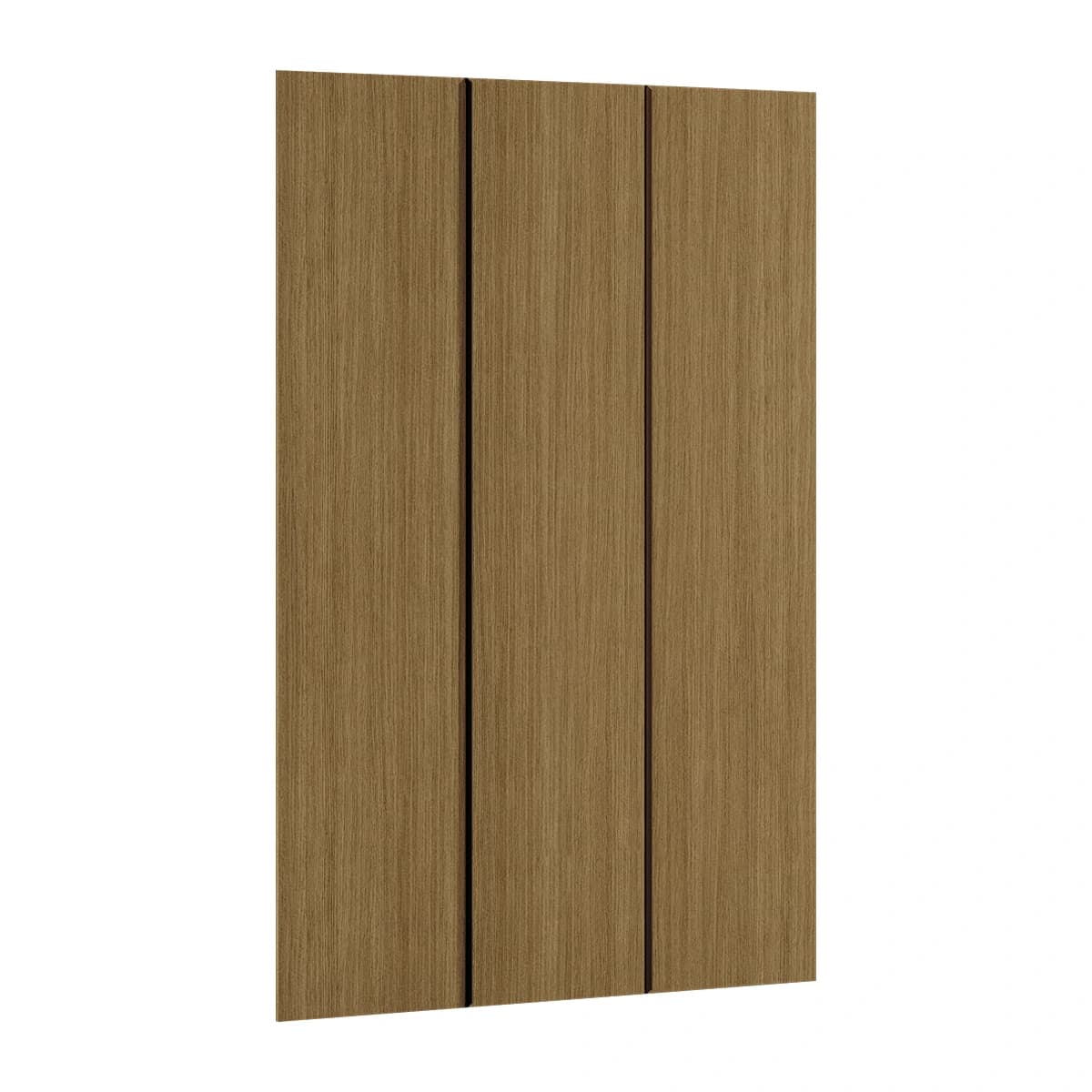 %25 + %10 Off
W: 44.7 · D: 3.4 · H: 207 cm
11,624 ₺
7,846 ₺
Lowest price in the last 30 days: 7,846 ₺
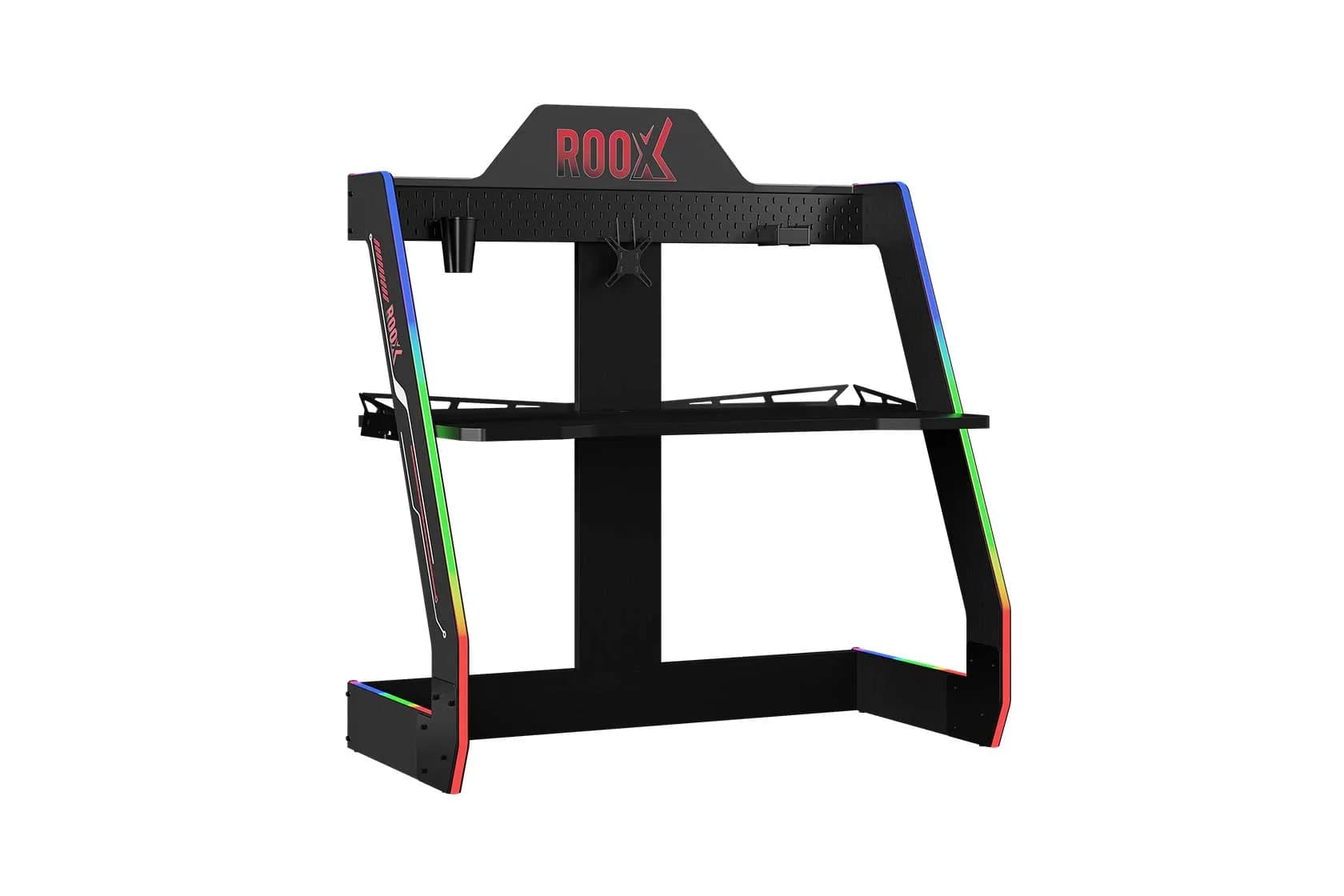 %25 Off
W: 128 · D: 65.5 · H: 141.3 cm
48,259 ₺
36,194 ₺
Lowest price in the last 30 days: 36,194 ₺
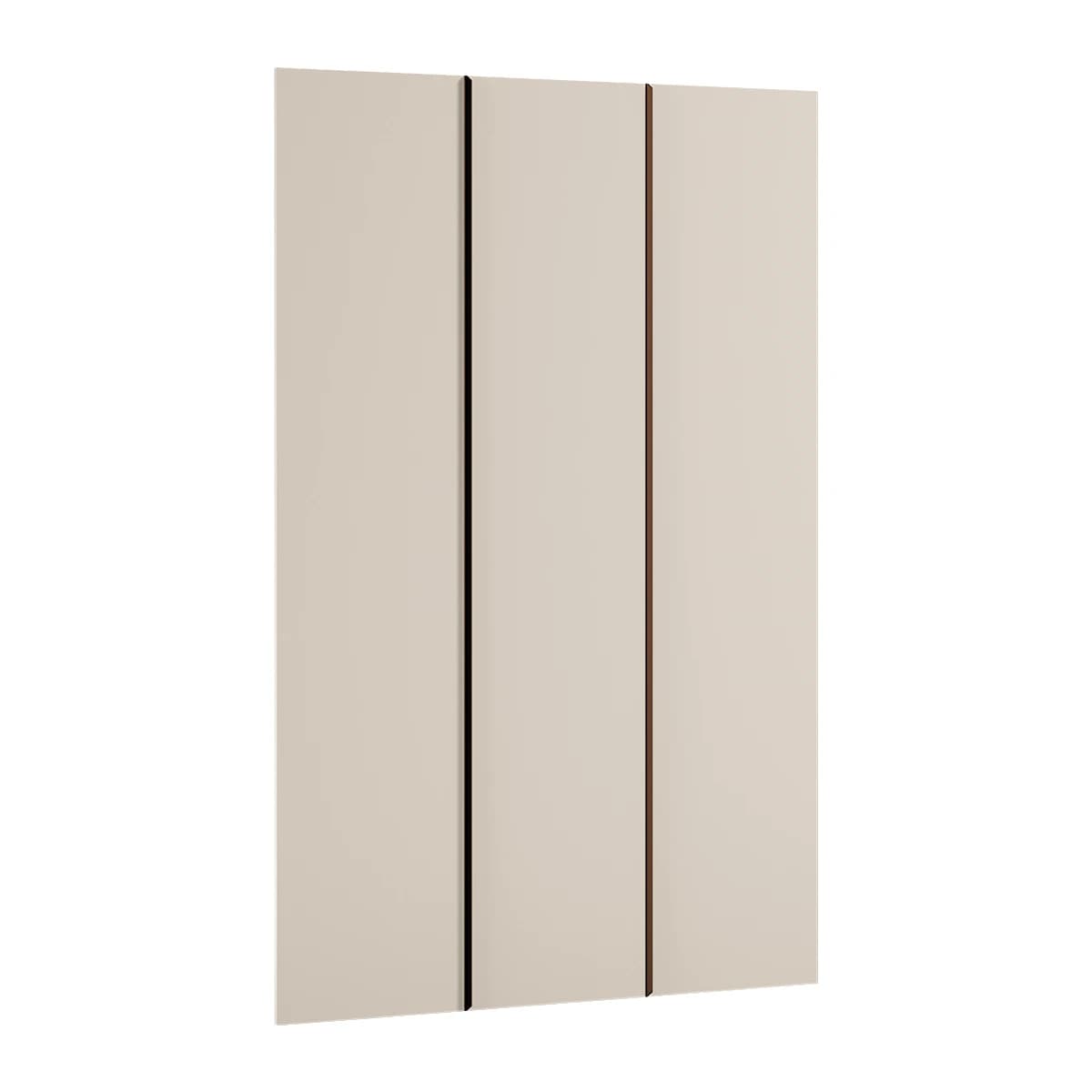 %25 + %10 Off
W: 44.7 · D: 3.4 · H: 207 cm
11,624 ₺
7,846 ₺
Lowest price in the last 30 days: 7,846 ₺